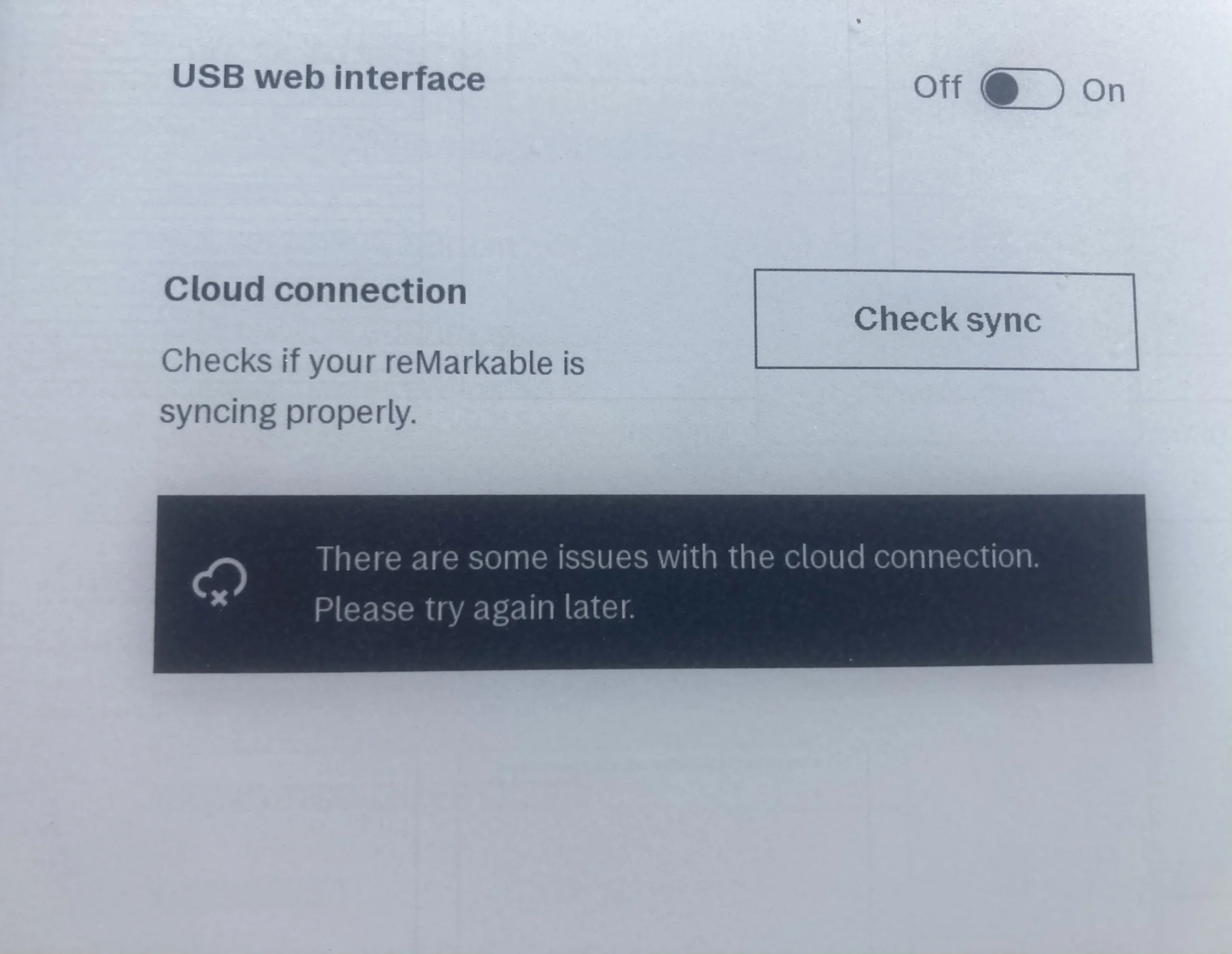
There is nothing quite as frustrating as finishing a long note-taking session on your reMarkable, only to look at the bottom of the screen and see the dreaded Cloud icon with an ‘X’. This icon means your tablet has lost its connection to the reMarkable cloud. Until it’s fixed, your notes won’t back up, your …
More
How to Fix reMarkable Sync Issues: A Complete Guide to the ‘Cloud Disconnected’ X Icon

The Ultimate Collection of Free reMarkable Templates for Next-Level Productivity
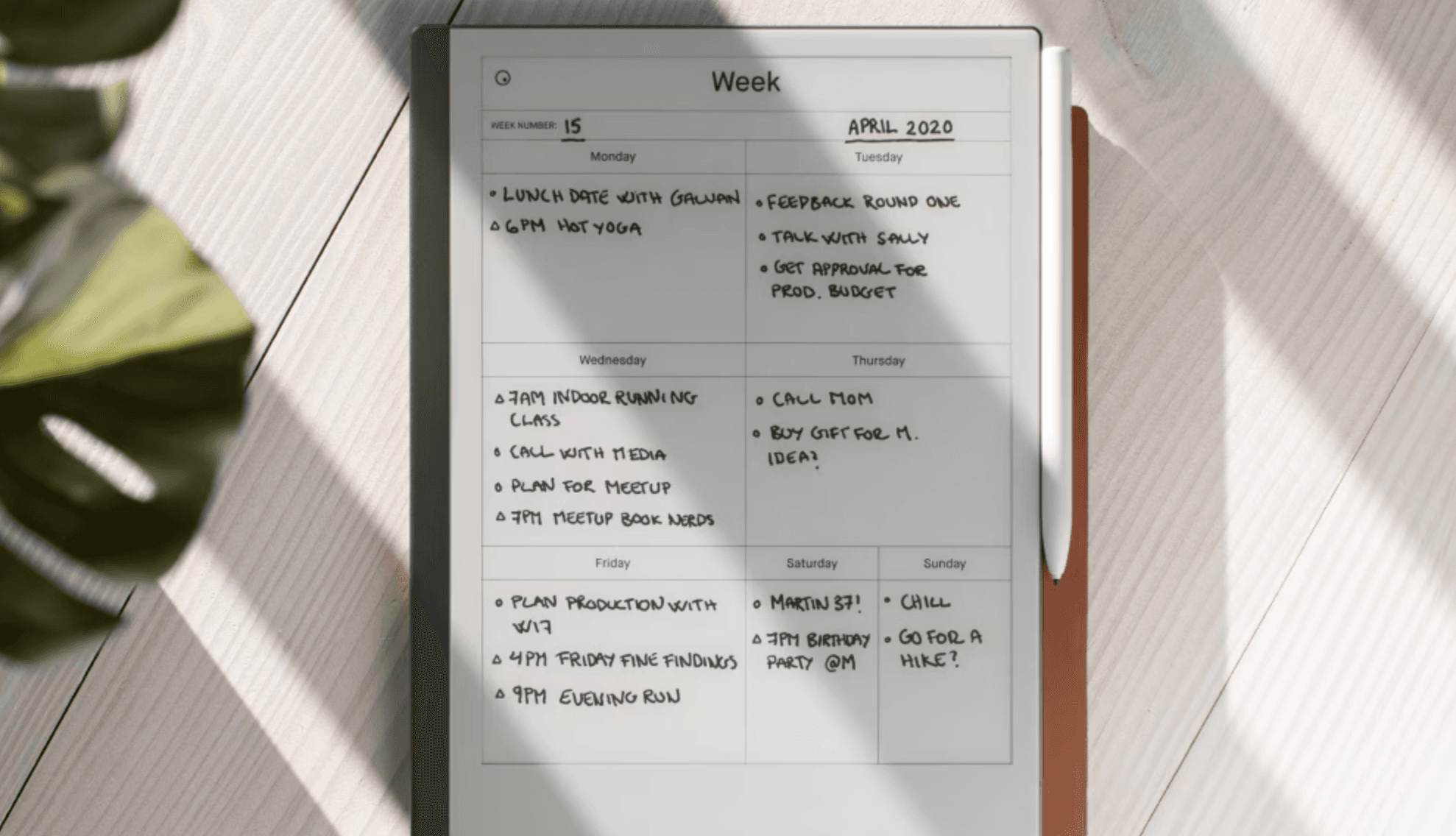
Your reMarkable 2 can do far more than capture handwriting. With the right templates, it becomes a structured thinking system — a space where strategy, reflection, and creativity flow seamlessly. This guide curates the best free reMarkable templates available today — from community-built planners to official layouts — and introduces how FLOW templates take your …
More
How to Connect reMarkable 2 to Eduroam Wi-Fi Network
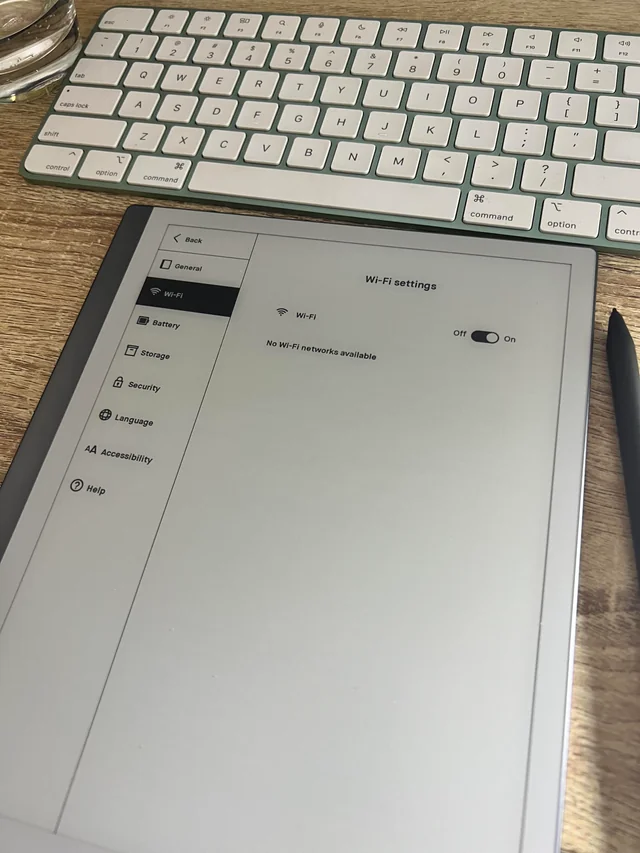
Connecting your reMarkable 2 tablet to the Eduroam Wi-Fi network at your university can be a bit tricky, but with the right settings, it’s entirely possible. This guide will walk you through the process step-by-step, focusing on the method that uses a username and password authentication rather than a certificate. Prerequisites Before you begin, ensure …
More
Everything to know about reMarkable Dead Pixels, Whiteness and Brightness Problems on the rM2 and rMPP
Many new reMarkable customers have reported concerns about their devices, particularly regarding dead pixels and screen whiteness / brightness. This article aims to address these issues and provide some insights for those experiencing similar problems. Dead Pixels: A Recurring Concern Dead pixels have been a significant issue for some reMarkable Paper Pro (RMPP) users Several …
More
How to Automatically Sync Email Newsletters to Your reMarkable
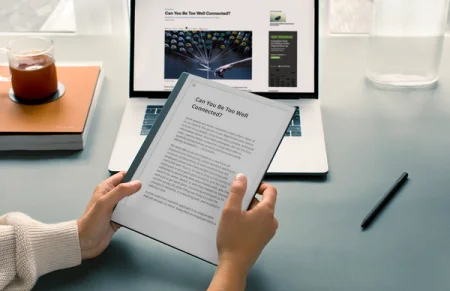
For knowledge workers and deep thinkers, newsletters have become a vital source of insights and industry updates. But reading them shouldn’t mean staying tethered to your inbox. Today, we’re exploring how to transform your reMarkable into a dedicated newsletter reading sanctuary—a place where digital content meets the focused reading experience you love. From Inbox to …
More
Getting Started with Your reMarkable: Your Complete reMarkable Setup & Pro Tips Guide
The transition to digital paper marks the beginning of a focused, intentional approach to note-taking and thinking. As you unbox your reMarkable tablet, you might feel a mix of excitement and caution. Let’s address the common concerns and share essential insights for making the most of your device. Understanding Your Device Despite its delicate appearance, …
More
The Best Third-Party Pens for reMarkable: From Budget-Friendly to Premium Option
If you’re a reMarkable tablet user looking to expand your writing experience, you’ll be pleased to know there are several excellent third-party pen options available. These alternatives range from budget-friendly choices to premium styluses, each offering unique features and writing experiences. Let’s explore some of the top contenders: Budget-Friendly Options Staedtler Noris Digital Classic The …
More